

DAX Lib supports including a README.md file with your library to provide documentation, which will be displayed alongside your library on daxlib.org. For smaller libraries, this is typically sufficient.
As your library grows, you may want a dedicated documentation website with better organization, search functionality, and examples. You can specify your documentation site URL in the manifest.daxlib file:
{
  // ...other properties...
  "projectUrl": "https://yourusername.github.io/your-library/"
}
Hosting Options
There are many options for hosting documentation websites. A popular choice is GitHub Pages, which is:
- Free for public repositories
- Integrated with GitHub repositories
- Automatic - deploys from your repo
- Custom domains - supports your own domain name
GitHub Pages hosts static websites (HTML, CSS, and JavaScript files) directly from your repository.
Static Site Generators (SSG)
While you can manually create HTML files, Static Site Generators (SSG) make documentation much easier. SSGs convert markdown files and templates into a complete website at build time.
Benefits:
- Write content in simple markdown (
.mdfiles) - Use themes for professional-looking sites
- Built-in features like search, navigation, and versioning
- No database or server required
Popular SSG Options
| SSG | Language | Why Choose It |
|---|---|---|
| Jekyll | Ruby | Native GitHub Pages support - zero configuration deployment. Officially supported by GitHub Pages. |
| Hugo | Go | Extremely fast builds - ideal for large documentation sites with hundreds of pages. |
| MkDocs | Python | Documentation-focused - simple configuration, designed specifically for docs. Works great with the Material theme. |
| Docusaurus | React | Feature-rich - built by Meta for open-source docs. Includes versioning, search, and i18n out of the box. |
GitHub Pages & Jekyll: GitHub Pages has built-in Jekyll support. When you push to your repository, GitHub automatically runs
jekyll buildand deploys your site. Other SSGs require a GitHub Actions workflow to build the site before deployment.
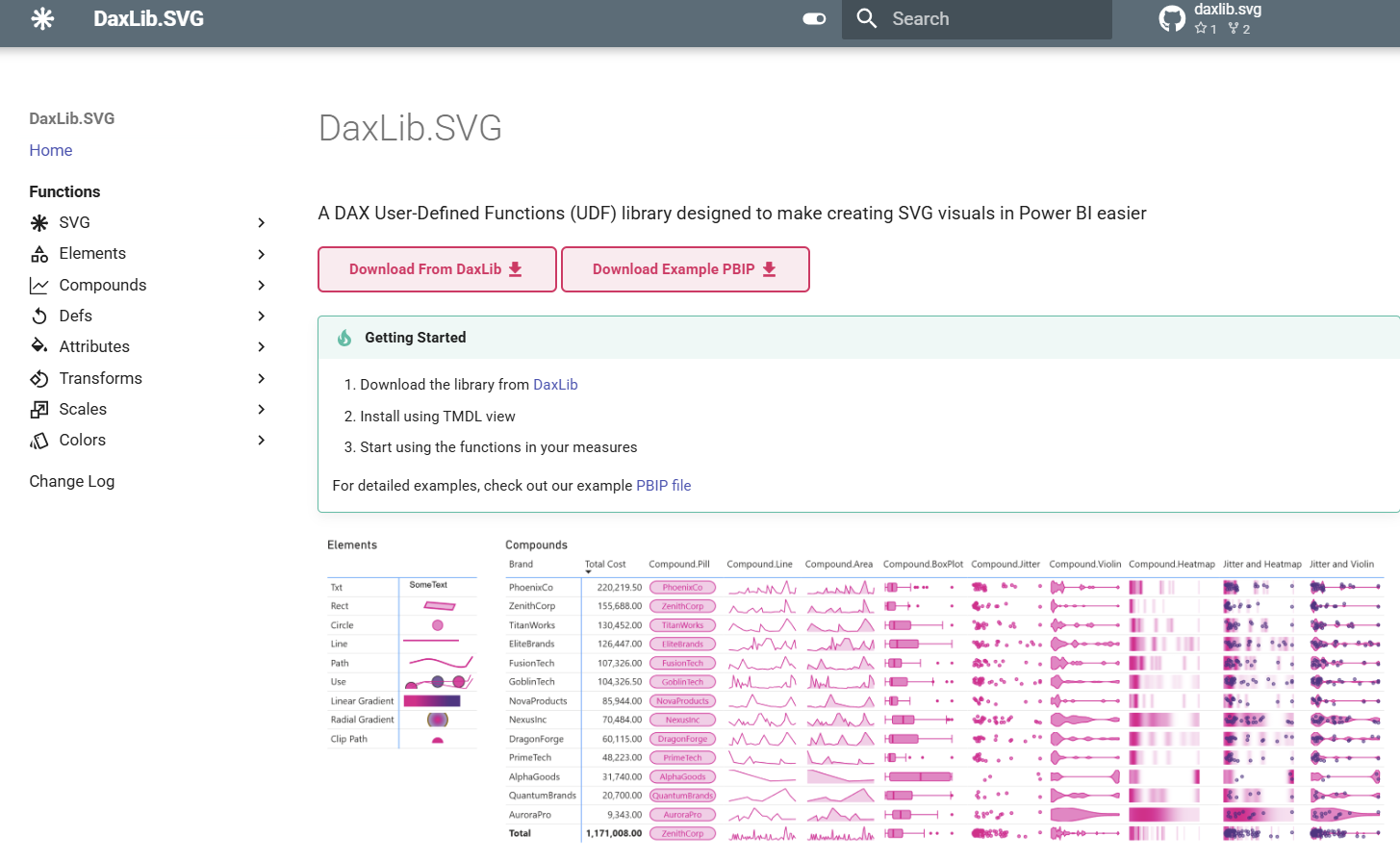
Example: DaxLib.SVG Documentation
The DaxLib.SVG library uses Material for MkDocs to generate its documentation site.
View Documentation Site View Repository
For a step-by-step guide on building a similar site, see this blog post.
Getting Started
- Choose an SSG based on your familiarity with the language and needs
- Follow the SSG’s documentation to set up your project structure
- Write your documentation in markdown files
- Configure GitHub Pages in your repository settings
- Add the site URL to your
manifest.daxlibunderprojectUrl
For Medium/Large libraries, you can keep your documentation in the same repository as your library code, or create a separate
docs-yourLibraryrepository.